Azure DevOps: the Microsoft collaborative development platform
What is Azure DevOps and what is it for?
Azure DevOps is a cloud platform that provides comprehensive collaborative development services. : agile project management, source code management, continuous integration and deployment (CI/CD), testing and package management. Born from the evolution of Visual Studio Team Services (VSTS) and Team Foundation Server (TFS), it embodies the DevOps philosophy: bringing development (Dev) and operations (Ops) teams together to accelerate value delivery.
This Azure DevOps approach applies to various contexts: managing custom application development projects, managing projects Dynamics 365 and Power Platform with their customizations, orchestrate infrastructure projects as code and automate deployments using CI/CD pipelines.
Development teams, IT/Ops, project managers, and consultants find Azure DevOps a centralized hub that eliminates the dispersion of tools. Think of it as a modern production line: each step is optimized and automated to deliver quickly and with quality.
The DevOps philosophy: breaking the silos between Dev and Ops
The traditional approach organized work in silos: the Dev team developed and then passed the code on to the Ops team who had to deploy and maintain it in production. This separation created tensions: developers wanted to innovate quickly, while Ops focused on stability. These different goals led to slow and risky deployments. With DevOps, teams collaborate continuously around a common goal: to deliver value quickly AND reliably.
This transformation is based on four principles:
- A culture of collaboration where Dev and Ops share responsibility,
- Maximum automation of tests and deployments,
- Constant measurement and feedback,
- Continuous improvement as a permanent state of mind.
The benefits are measurable: more frequent, faster, and more reliable deployments. But be careful: DevOps is as much cultural as it is technical. Azure DevOps provides the tools, but a change in mindset is still essential.
Azure DevOps vs GitHub: What's the difference?
Microsoft has owned both platforms since it acquired GitHub in 2018. Historically, Azure DevOps aimed at businesses with a full cycle, while GitHub focused on open source. This is less the case today because GitHub has added DevOps features.
Azure DevOps is distinguished by a complete integrated suite (Boards + Repos + Pipelines + Pipelines + Test Plans + Artifacts), advanced project management with Azure Boards and better integration with the Microsoft enterprise ecosystem (in particular Active Directory and Dynamics 365).
GitHub maintains its focus on code and community, with GitHub Actions offering a modern CI/CD approach, a huge open source ecosystem, and GitHub Copilot for AI.
How do I choose between Azure DevOps vs GitHub? Enterprise projects with a strong project management dimension and deep Microsoft integration will benefit from Azure DevOps. Open source projects will opt for GitHub. It is also possible to combine the two.
The 5 core services of Azure DevOps
Azure DevOps is built around five services that span the entire development lifecycle. You can use them together or separately according to your needs:
- Azure Boards manage your projects in agile mode with Kanban boards, backlogs and sprints. You track your user stories, tasks and bugs while creating direct links with the code developed.
- Azure Repos host your source code in unlimited Git repositories. Branches, pull requests, and code reviews structure collaboration while the complete history guarantees traceability.
- Azure Pipelines automates construction and deployment with CI/CD pipelines. Multi-platform and multi-environments (Windows, Linux, MacOS, Cloud, on-premise), it turns deployment into a routine and reliable process.
- Azure Test Plans structure your manual and automated tests. You plan your campaigns, track test coverage, and explore the app to find bugs.
- Azure Artifacts centralizes the management of your packages (NuGet, npm, NPM, Maven, Python) to share libraries and components between projects.
.png)
Azure Boards: manage your projects in agile mode
What is Azure Boards?
Azure Boards is transforming project management into agile collaboration hub directly connected to development. Based on Scrum, Kanban or a personalized approach, it allows you to plan, monitor and discuss work between teams.
The system is based on “work items”: user stories, technical tasks, bugs, epics and features. These elements are organized visually on tables that show the status of progress, while the backlogs list priority features. Dashboards offer an overview for all actors, including the profession.
Compared to Excel or Jira, Azure Boards has a decisive advantage: direct integration with the code. When a developer commits, they're referencing a user story. Traceability becomes complete: you know exactly which code meets which business function.
Use case: managing a Dynamics 365 customization project
Concretely, let's imagine that your team customizes Dynamics 365 Sales to add custom fields and workflows.
In Azure Boards, you create user stories (for example, “As a salesperson, I want to see the projected turnover”), you break them down into technical tasks (add a field, create a workflow, test).
The Kanban board visualizes progress, developers link their commits to tasks. The entire team (business management, developers and project manager) sees progress in real time and immediately identifies bottlenecks.
Azure Repos: manage your source code securely
What is Azure Repos?
Azure Repos is the centralized and versioned source code management system of Azure DevOps. Based on Git, it offers unlimited repositories, public or private.
Without version management, it's chaos: multiple versions, code losses, the impossibility of going back. With Azure Repos, you get a complete history (who changed what, when, why), branches to work on different features in parallel, pull requests to review code before integration, and automatic conflict management.
Branches and pull requests: collaborating without chaos
The branches of functionality allow development in parallel. The main branch contains the stable code in production. When a developer starts a feature, they create a “feature branch” where they work without risking breaking the stable code. Likewise, when there are multiple developers, they can work in parallel without blocking each other.
Pull requests (PR) organize the integration of the code. The developer finishes its functionality, opens a pull request, colleagues review, suggest improvements. If the request is validated, the code is integrated into the main branch. This mechanism improves the code quality with these systematic reviews and promotes the sharing of knowledge.
For example, a developer adds a commission calculation system in Dynamics 365: he creates a “feature/calcul-commission” branch, develops, opens a pull request. His colleague review suggests a valid optimization. The branch is merged, the functionality goes into production. Each step is traced and documented.
Azure Pipelines: Automating Deployments with CI/CD
What is CI/CD and why is it revolutionary?
CI/CD or Continuous Integration and Continuous Deployment represents The heart of the DevOps revolution. These practices transform development and deployment into smooth and reliable processes.
Continuous Integration (CI) solves a major problem. Before, developers worked separately for weeks and then integrated their code causing conflicts and bugs. With CI, the code is integrated and tested automatically several times a day.
The CI process is as follows: the developer pushes their code, a build is triggered, and automated tests run. If everything is successful, the code is validated. If failures are revealed, the developer is notified instantly. Bugs are detected within minutes, not three months later.
Continuous Deployment (CD) automates up to production. The code validated by CI is deployed automatically in test, then in preproduction, then production (automatically or with manual validation).
Organizations practicing CI/CD deploy up to 182 times more per year with an 8 times lower failure rate of change implementations according to the State of DevOps Report.
Azure Pipelines: the Azure DevOps CI/CD tool
Azure Pipelines is Azure Devops' CI/CD tool, it automates build, testing, and deployment. One pipeline is a sequence of automated steps defined in YAML or via graphical interface.
The platform is versatile: multi-platforms (Windows, Linux, macOS), multi-environments (Azure, AWS, on-premise), multi-languages (.NET, Java, Java, Python, macOS), etc.). Node.js
Thus, a pipeline can be triggered due to a commit in the main branch to build the application, then execute unit tests and deploy to Azure App Service if the tests are successful with a notification on Teams.
For Dynamics 365 and Power Platform, Azure Pipelines integrates natively. You automate the deployment of Power Platform solutions between environments, validate Dynamics 365 customizations, or deploy Azure Functions code that extends your applications.
Azure Test Plans and Azure Artifacts: completing the ecosystem
Azure Test Plans: Ensuring quality with structured tests
Azure Test Plans structures and professionalizes your manual and automated testing strategy.
The service organizes the tests by functionality or sprint (thanks to Test plans) and groups the tests with Test suites. Each test case details the steps and expected results. Execution is traced, bugs captured directly.
The integration with Azure Boards links tests to user stories, ensuring that each feature has associated tests.
Azure Artifacts: manage and share your packages
Azure Artifacts hosts and shares packages such as libraries, dependencies, reusable components in a centralized manner.
The service supports NuGet, npm, Maven, Python, and Universal Packages.
Thus, it is possible for your team to develop a library of UI components for Power Apps. Instead of copying and pasting between projects, you publish it in Azure Artifacts. The other teams reference it and automatically receive updates.
The integration with Pipelines allows Automatically publish for each successful build.
The concrete benefits of Azure DevOps for organizations
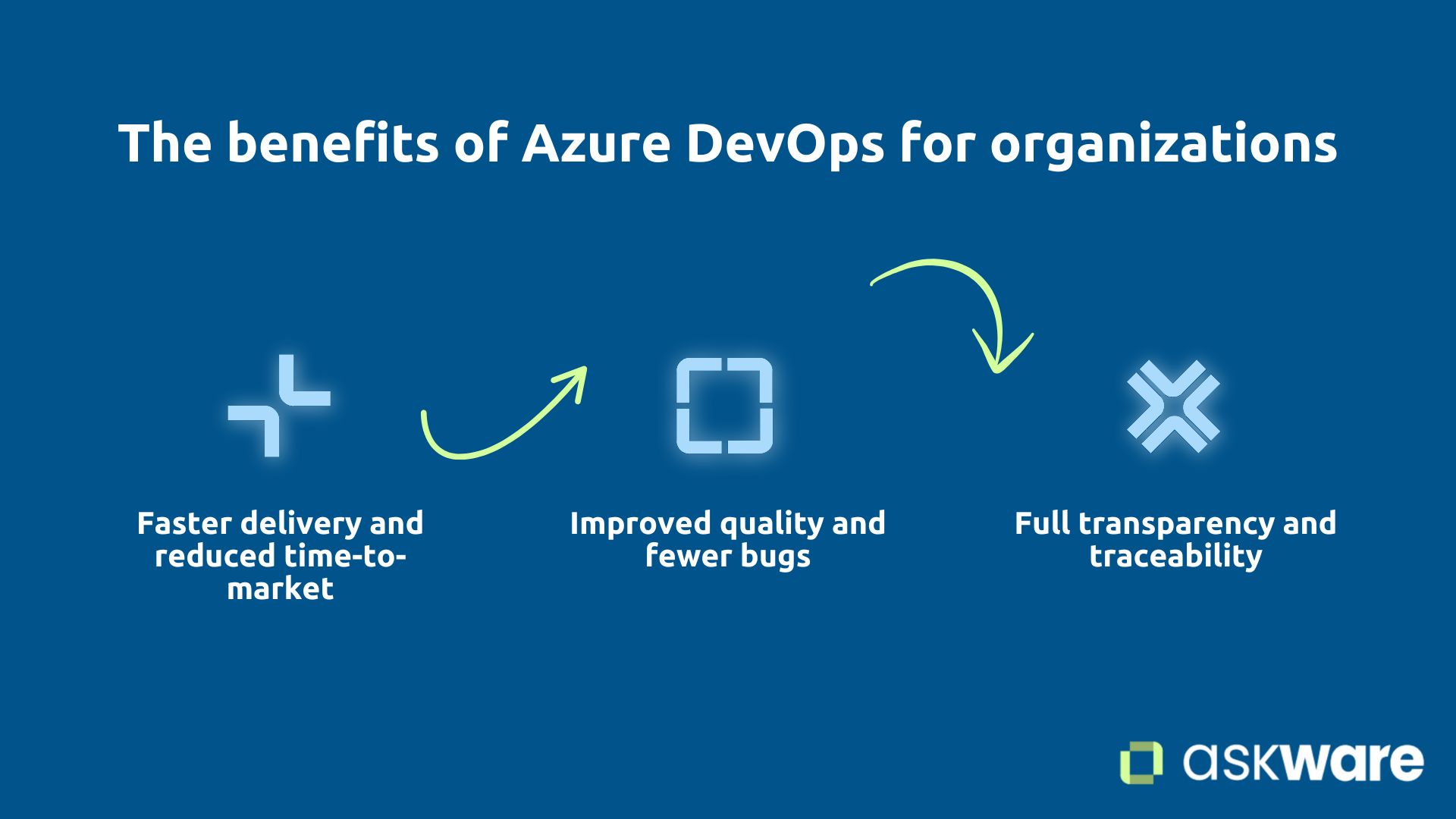
Accelerated delivery and time-to-market
Les development cycles that used to last for months are getting shorter drastically.
Weekly or even daily deployments are becoming the norm. A typical organization goes from 4 deployments per year to 50 or more, multiplying its ability to innovate and quickly deliver value to users. It also makes it possible to react more quickly to user feedback.
Improving quality and reducing bugs
Deploy more often paradoxically improves quality :
- Automated tests detect bugs before production.
- Systematic code review using pull requests raises the bar.
- Fast feedback allows immediate correction.
The result: significant reduction in production incidents, urgent fixes and a reduction in technical debt.
Full transparency and traceability
Azure DevOps is creating a traceability end-to-end. Each business feature is linked to tasks, code, builds, deployments. You instantly respond to “Who developed this feature?” , “When was it put into production?”.
Business departments see the real progress, the governance is strengthened, audits are facilitated with an exhaustive history on all projects.
Getting started with Azure DevOps: where do you start?
Create an Azure DevOps organization and project
Azure DevOps is free for the first 5 users. You need to start with create an organization. See you on dev.azure.com, create your organization and your first project.
Choose the work model (Scrum, Agile, Basic), invite your team by adding them as a member. You can now explore the Boards, Repos, and Pipelines services.
Microsoft Learn offers great free tutorials.
Start gradually: don't do everything at once
The frequent error? Wanting to implement everything simultaneously. This approach leads to failure.
Adopting Azure DevOps is a journey, not a revolution. According to your current mode of operation, it is a cultural change beyond the “simple” adoption of a new tool.
Start with a pilot project, a small but real project that will allow you to learn before expanding to all projects and training teams. On this pilot project, follow these steps:
- Phase 1: use Azure Boards for management (this will bring a quick win).
- Phase 2: migrate the code to Repos.
- Phase 3: set up the CI with the build and the automatic tests.
- Phase 4: Add the CD to automate deployments
- Phase 5: optimize
Get support for a successful DevOps transformation
DevOps transformation combines technique and culture. Support accelerates success and avoid costly mistakes.
Askware supports organizations on several dimensions: audit of current practices, definition of the adapted DevOps strategy, concrete implementation (configuration, pipelines in Azure DevOps), team training, coaching on concrete projects.
Our added value? Combining Azure DevOps expertise with a deep understanding of the Microsoft ecosystem Dynamics 365, Power Platform, Azure.
.png)
Azure DevOps isn't just a collection of tools, it's a comprehensive platform that is transforming the way teams collaborate, develop, and deploy. By unifying Boards, Repos, Pipelines, Test Plans, and Artifacts, Azure DevOps eliminates silos, accelerates delivery, and improves quality.
For organizations in the Microsoft ecosystem, Azure DevOps represents the natural platform that integrates natively and covers the entire life cycle.
Succeeding requires a gradual approach combining technical tools and cultural change. Microsoft provides the platform, but expertise and support make the difference.
Ready to modernize your development processes? Contact our experts to assess your DevOps maturity and discover how Azure DevOps can transform your Microsoft projects.