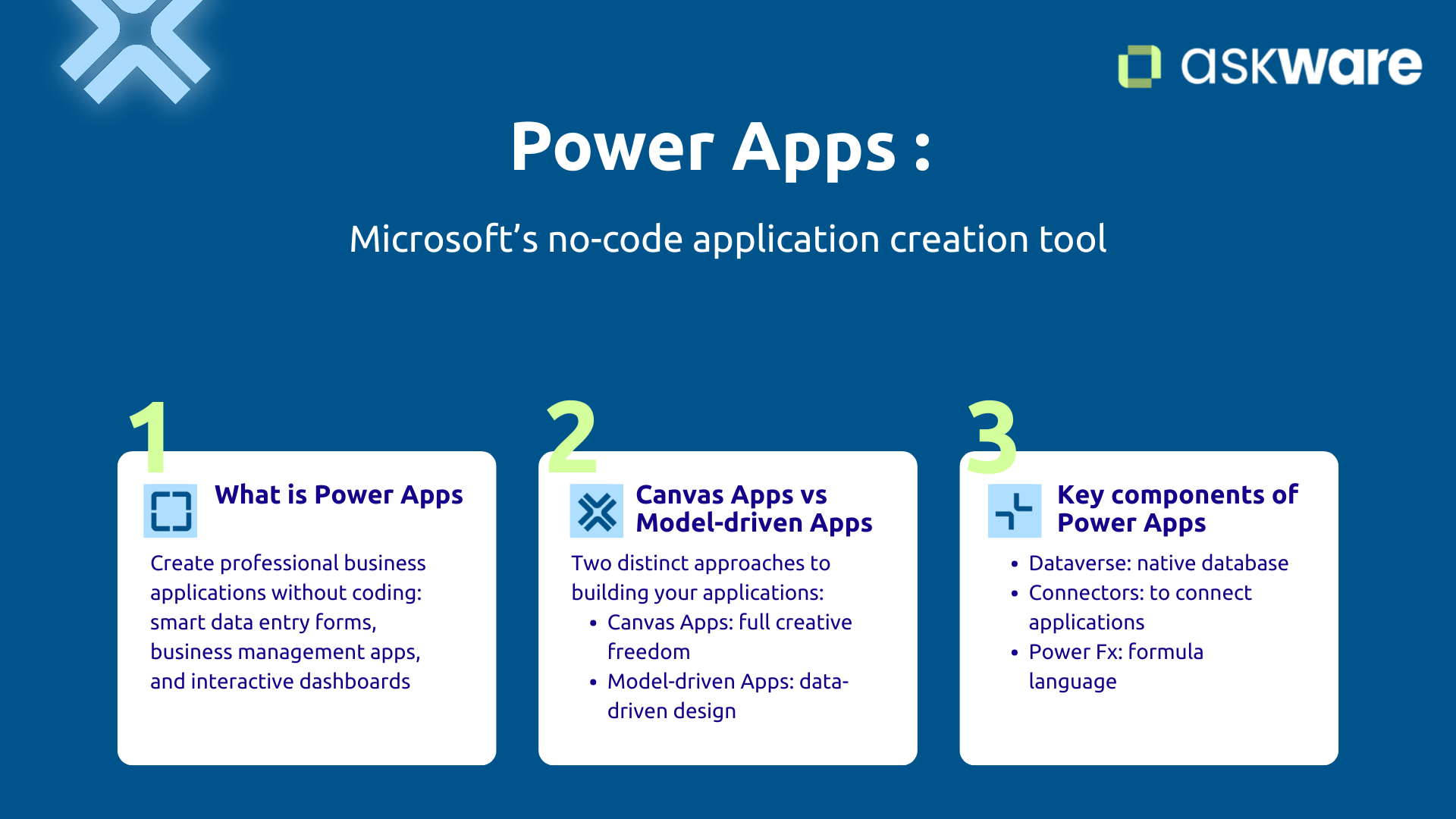
Power Apps: Microsoft's no-code application creation tool
What is Power Apps and what is it for?
Power Apps is Microsoft's platform for creating professional business applications without coding. With a visual drag-and-drop interface, you build mobile or web applications adapted to your specific needs.
The numbers speak for themselves: according to a Gartner study, 75% of new business applications will be built in low-code by 2026, compared to less than 25% in 2020.
The principle is simple: you assemble visual components (forms, buttons, galleries) and connect them to your data. No line of code is required, although you can add code for advanced needs. This makes it possible to do citizen development, development by business users directly.
Concretely, Power Apps allows you to create:
- Intelligent entry forms (for vacation requests, expense reports, claims for example)
- Business management applications (for project monitoring, inventories or supplier standards)
- Mobile applications for field teams (to manage inspections, statements, signatures)
- Interactive dashboards connected to your data in real time
Native integration with the Microsoft ecosystem is a major asset. Power Apps connects naturally to SharePoint, Excel Online, Outlook, Teams but also to more than 1000 data sources via connectors (Salesforce, SQL Server, X...). You thus aggregate information scattered across multiple systems to create true professional, secure and scalable applications.
Canvas Apps vs Model-driven Apps: What's the difference and when should you use each one?
Power Apps offers two distinct approaches to building your applications, each tailored to different needs.
The Canvas Apps offer total creative freedom. You build your interface “pixel by pixel,” just like you would compose a presentation in PowerPoint. You choose the location of each button, the color of each field, the organization of each screen.
This approach is ideal for personalized forms with a specific user experience, mobile field applications requiring photos, geolocation or offline mode, visual dashboards with graphs or even simple applications for entering and consulting.
Model-driven Apps start from a reverse logic. You first define your data model (tables, relationships, business rules) in Microsoft Dataverse, the native Power Platform database. The interface is automatically generated based on this model, guaranteeing consistency and robustness.
This approach is perfect for managing complex data with numerous relationships (for a lightweight CRM or project management for example), sophisticated validation and approval workflows or even scalable systems managing a large volume of data.
How to choose? If you need a simple application with a custom interface, go with Canvas. If you manage structured, relational data with complex business rules, Model-driven Apps will be more effective. You can also combine the two approaches.
The key components of Power Apps: Dataverse, connectors, Power Fx
To create professional applications with Power Apps, you rely on three essential technological building blocks.
Dataverse is the native Power Platform database. It centralizes and stores your data in a structured way, manages relationships between tables and finely controls access rights. You can also quickly connect Power Apps to other sources like a SQL Server database for existing business data.
The connectors are the nervous system of Power Apps. With more than 1000 connectors available, you connect your application to virtually any system: Microsoft 365 (SharePoint, Outlook, Teams), databases (SQL, Oracle), CRM (Dynamics 365 Sales, Salesforce), business tools (SAP, Salesforce), business tools (SAP, Workday). This ability to integrate turns Power Apps into a true hub that centralizes and orchestrates your dispersed business processes.
Power Fx is the Power Apps formula language, directly inspired by Excel. If you know how to write =SI (A1>100; "High”; "Low”) in Excel, you already know how to use Power Fx.
This language allows you to add logic to your applications: conditions, calculations, data filters, validation rules. And if you are stuck on a complex formula, Copilot can generate it for you in natural language.
Don't worry: you don't need to master all of these concepts from the start. Start with a simple application connected to SharePoint, then work your way up to more sophisticated scenarios.
Real examples of Power Apps applications
HR applications: Leave management, onboarding and annual interviews
The HR team can develop applications to facilitate certain processes and increase efficiency. Thus, it is possible with Power Apps to make applications for:
- leave management: Request from your mobile, manager validation in one click, real-time team calendar, updated balance. All requests are centralized in one place with automatic updates.
- onboarding: with an automatic checklist (account to be created, equipment and training to be planned), notifications for managers. You no longer have any omissions in the integration process.
- annual interviews: Self-assessment form, manager comments, goals, PDF export to SharePoint. The process is automated.
Finance: Expense reports, budget validation and supplier follow-up
Power apps is also great for finance teams. Among the cases that have the most impact, we find applications that can manage:
- expense reports: with the possibility of taking a photo of the invoice from your mobile, automatic categorization, a validation workflow according to amounts and an accounting export.
- budget validation: with various circuits adapted to the thresholds, monitoring of the budget consumed in real time, alerts when certain limits are reached.
- supplier monitoring: with a centralized repository (contact details, evaluations, contracts, renewals) and automatic alerts according to various events.
Operations/Field: Inspections, surveys and inventory management
For teams in the field, application development can make their daily lives easier and thus increase their efficiency. It is thus possible with Power Apps to create applications that allow you to manage:
- inspections: Mobile app for quality checks with geotagged photos, customer signature management, offline mode, and automatic reports.
- surveys and inventories: Barcode scan, input-output, stock threshold alerts. An application can provide instant visibility and fewer interruptions.
- equipment management: Monitoring of counters, entering measurements, trend curves. Predictive maintenance is more accessible with a dedicated application.
IT support: Request portal and asset management
The IT team itself can benefit from business applications with Power Apps by creating, for example, a Request portal where it becomes possible to request access, hardware and software using a single form, thus facilitating the categorization of requests and their follow-up.
Likewise, the asset management can be facilitated with an application that manages the inventory of the computer equipment (PC, licenses), assignments and issues alerts when renewals occur.
.png)
How do you create your first Power Apps app? (Step-by-Step Guide)
Step 1: Define the need and prepare the data
Before opening Power Apps, frame your project:
- What problem are you solving?
- Who will use the app?
- What are the essential features?
By defining your needs, you may find that an app is not necessarily the right option, automation via Power Automate, creating a dashboard on Power BI or creating a website with Power Pages could be more relevant.
If the app is the right solution, identify your data : what information should you manage? Where are they (Excel, SharePoint, database)? Structure them properly in the database: one row per record, one column per attribute, clear headers, no merged cells.
Choose the storing : SharePoint to start simply, data is accessible and secure, Dataverse for advanced needs (when there is a need for relational data and business rules).
Start small by creating a simple app, test, and improve. Projects that are too ambitious often end up abandoned.
Step 2: Build the app from Power Apps Studio
On make.powerapps.com, click on “Create” and then choose the type of approach. To start your first application, choose “Canvas app.” You will then connect your data source (SharePoint, Excel Online...).
Power Apps automatically generates 3 functional screens :
- A navigation screen with the list of items,
- A detail screen for viewing an element,
- An editing screen for creating or modifying an element.
Your app is already operational and ready to be tested (thanks to the “Preview” feature). This automatic generation saves you 80% of time, all you have to do is personalize.
Copilot allows you to go even faster by describing your app in French (for example “Manage holidays with validation manager and calendar”).
Step 3: Customize the interface and add logic
Personalizing is done by a drag and drop system. You can add controls (buttons, fields), images, change colors and fonts, reorder items.
You can also configure your forms: fields to be displayed, mandatory fields, contextual masking.
You can add logic with Power Fx rules:
- Conditions, for example, provide that if the status is approved, the item will be displayed in green,
- Automatic calculations (for example a calculation in working days),
- Validation rules.
Copilot generates complex formulas for you.
When customizing your app, it's a good idea to test regularly (using Preview mode) to identify issues and fix them more easily.
Step 4: Test, Share, and Deploy
Before deploying the application, test it in real conditions using Preview mode on desktop and mobile. Beyond rendering, check the execution of the main scenarios and the edge cases (in case of missing data, in offline mode).
When you're happy, share the app: define who can use it (colleagues, team, organization). Release a stable version and deploy the app; users can access it through the Power Apps portal or Teams.
Train your users with a simple guide (annotated captures or a 3-minute video for example) or a 15-minute demo. Adoption depends on this support.
Iterate continuously: based on the feedback collected, you can add the requested functionalities and republish a new version of the application. The best apps are evolving gradually rather than trying to be perfect from the start.
The IT team keeps control of IT governance, they can manage rights and audit the applications created.
.png)
Best practices and tips for success with Power Apps
Start simple and iterate
Resist the temptation to find the perfect app. Build an MVP (Minimum Viable Product), a simple version solving the main need with only the essential functionalities.
Test with a small volunteer group. Their concrete feedback is worth a thousand hypotheses. Identify what's working, what's blocking, and what's really missing.
Improve gradually by prioritizing high-value features. This approach reduces the risk of abandoning complexity.
Take advantage of digitalization to simplify your processes, and not reproduce the existing one. Seven paper signatures? Perhaps two will suffice digitally.
Reuse and share
Microsoft offers pre-built templates for the main use cases (holidays, expenses, inspections). Personalize them instead of starting from scratch.
Create reusable components such as a standardized header, a standard form, or an image gallery. You'll reuse them across multiple apps, ensuring consistency and saving time.
Duplicate the right apps across teams. By establishing an internal catalog or creating a Center of Excellence that centralizes best practices, you accelerate the creation of future apps.
Get support for complex cases
According to a Gartner study, 80% of users of low-code platforms will work outside of IT departments by 2026. For simple apps, Microsoft Learn auto-training and Power Apps tutorials are sufficient.
But for the most complex cases such as specific integrations, large volumes of data, sophisticated business rules or large-scale governance, it is possible to be supported by experts to avoid wasting the time that the application was supposed to save in development time.
Askware supports you every step of the way: the training of your Power app makers, the creation of complex apps, the establishment of the Center of Excellence or global governance. Our dual expertise in strategic consulting and technical integration ensures that your apps are part of a coherent vision of your digital transformation.
Power Apps isn't just for developers. It is the tool that allows any business user, with a minimum of digital appetite, to create professional applications to solve their daily problems. Whether you want to digitize an HR process, create a mobile app without code for your field teams, or replace an Excel file that has become unmanageable, Power Apps gives you the means to do it yourself, quickly, without waiting for IT.
According to Forrester, organizations using Power Apps are achieving a ROI of 206% over three years, with a return on investment in less than six months. But creating with Power Apps requires a well-defined need, a simple start, testing, and iterating. Microsoft provides training resources, templates, and Copilot to facilitate the creation of the simplest applications.
Askware supports you at every stage: from initial training to the creation of your first applications, from the establishment of your Center of Excellence to the governance of your application park.